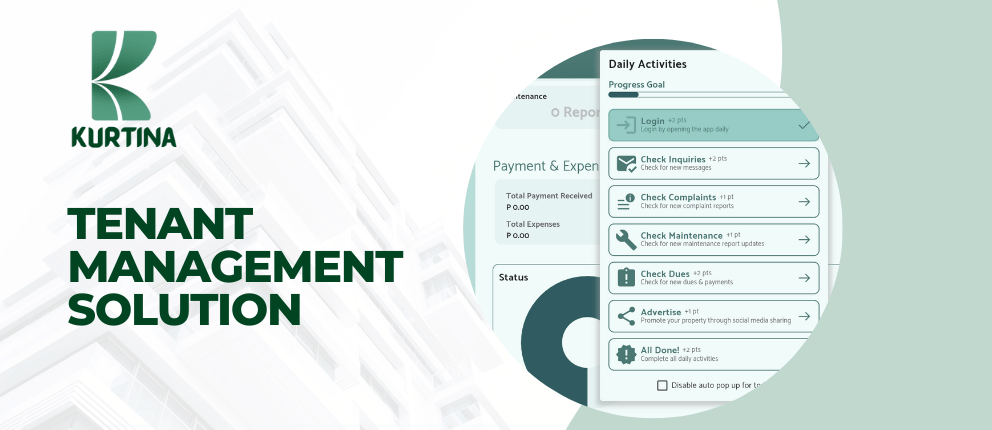
SAY HELLO TO STRESS-FREE MANAGEMENT!

Properties Management
Kurtina allows you to organize and showcase your properties for rent, making it easy for potential tenants to discover and inquire about available spaces.
Spaces Management
Kurtina provides you with a centralized platform to monitor occupancy, availability, and rental details.
Tenant Management
Keep track of tenant profiles, contact information, lease agreements, and most importantly, their payment and billing history.
Billing and Reports
Kurtina’s billing module allows you to generate accurate and customizable monthly bills for your tenants.
Gain valuable insights into the performance of your properties with Kurtina’s comprehensive reporting tools.
FAQs

- Open browser on your Desktop or Mobile
- Type “app.kurtina.com.ph” on your address bar
- Click Login on the upper right corner of the page
- Click “Sign up wih email instead“
- Fill out the form with your info
- Click Register
- Open your email sent by Kurtina and click the link to verify
- When verified, you can now use the Kurtina App

- Open Google Chrome on your Desktop
- Type “app.kurtina.com.ph” on your address bar
- Click the “Install Kurtina” Icon on the right side of address bar
- It will prompt and ask to install the app, Click “Install“
- When downloaded, it will automatically Open the Kurtina App

- Open Google Chrome on your Android Phone
- Type “app.kurtina.com.ph” on your address bar
- Click the 3 DOTs or the ellipsis icon on the upper right of your browser
- Click “Install App“
- It will prompt and ask to install the app, Click “Install“
- When downloaded to phone, you can now Login and use the Kurtina App

- Open Safari on your Apple Device
- Type “app.kurtina.com.ph” on your address bar
- Click the Share Button on your Safari browser
- Click “Add to Home screen” and “Add“
- When downloaded to phone, you can now Login and use the Kurtina App
NOTE: You can still use the Kurtina App on your browser if you don’t download it on your device.
 KURTINA PH